
Screen Protectors for the Garmin Tread XL 10"
Tread XL 10" Screen Protectors
Keep your Garmin Tread XL looking like new with these screen protectors. Protects your screen from scratches and general wear. Easy to apply and remove. Comes in packs of 2.
Directions:
1. Make sure you clean your screen and remove any dirt and debris that is on it. It may be necessary to use the sticky side of a piece of tape to lift up any lint remaining on the screen prior to applying the screen saver.
2. Remove the backing on the screen protector making sure you remove the piece for the microphone. Avoid touching the sticky side of the screen protector so you don’t end up with fingerprints.
3. Apply the screen protector to your Tread
4. Use the edge of a credit card to squeeze out any bubbles under the protector, don’t worry if you have a few bubbles you can’t get out as once the Tread is on you won’t be able to see them.
More Images
Screen Protectors for the Garmin Tread XL 10"
Tread XL 10" Screen Protectors
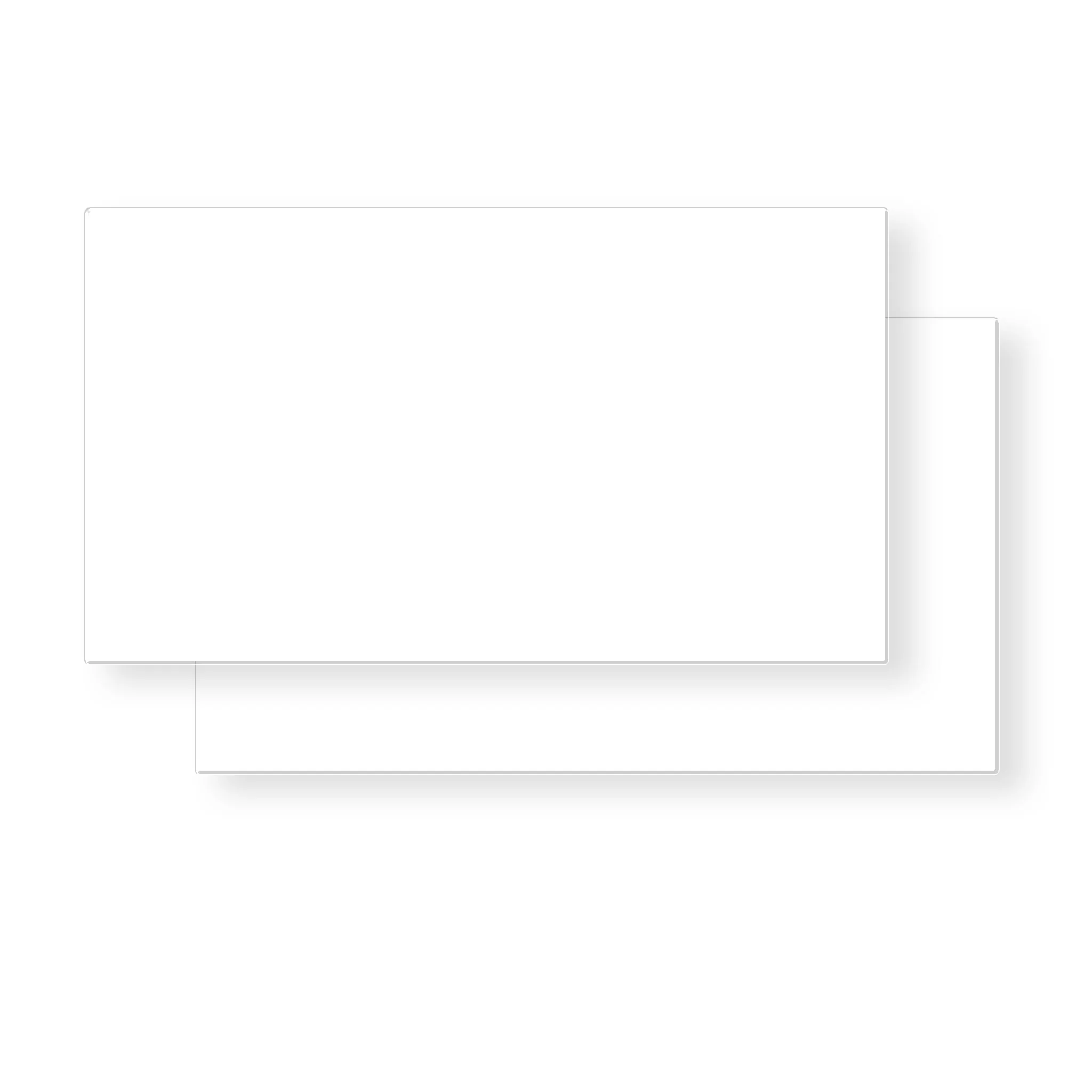
Keep your Garmin Tread XL looking like new with these screen protectors. Protects your screen from scratches and general wear. Easy to apply and remove. Comes in packs of 2.
Directions:
1. Make sure you clean your screen and remove any dirt and debris that is on it. It may be necessary to use the sticky side of a piece of tape to lift up any lint remaining on the screen prior to applying the screen saver.
2. Remove the backing on the screen protector making sure you remove the piece for the microphone. Avoid touching the sticky side of the screen protector so you don’t end up with fingerprints.
3. Apply the screen protector to your Tread
4. Use the edge of a credit card to squeeze out any bubbles under the protector, don’t worry if you have a few bubbles you can’t get out as once the Tread is on you won’t be able to see them.
Product Information
Product Information
Shipping & Returns
Shipping & Returns
Description
Tread XL 10" Screen Protectors
Keep your Garmin Tread XL looking like new with these screen protectors. Protects your screen from scratches and general wear. Easy to apply and remove. Comes in packs of 2.
Directions:
1. Make sure you clean your screen and remove any dirt and debris that is on it. It may be necessary to use the sticky side of a piece of tape to lift up any lint remaining on the screen prior to applying the screen saver.
2. Remove the backing on the screen protector making sure you remove the piece for the microphone. Avoid touching the sticky side of the screen protector so you don’t end up with fingerprints.
3. Apply the screen protector to your Tread
4. Use the edge of a credit card to squeeze out any bubbles under the protector, don’t worry if you have a few bubbles you can’t get out as once the Tread is on you won’t be able to see them.